

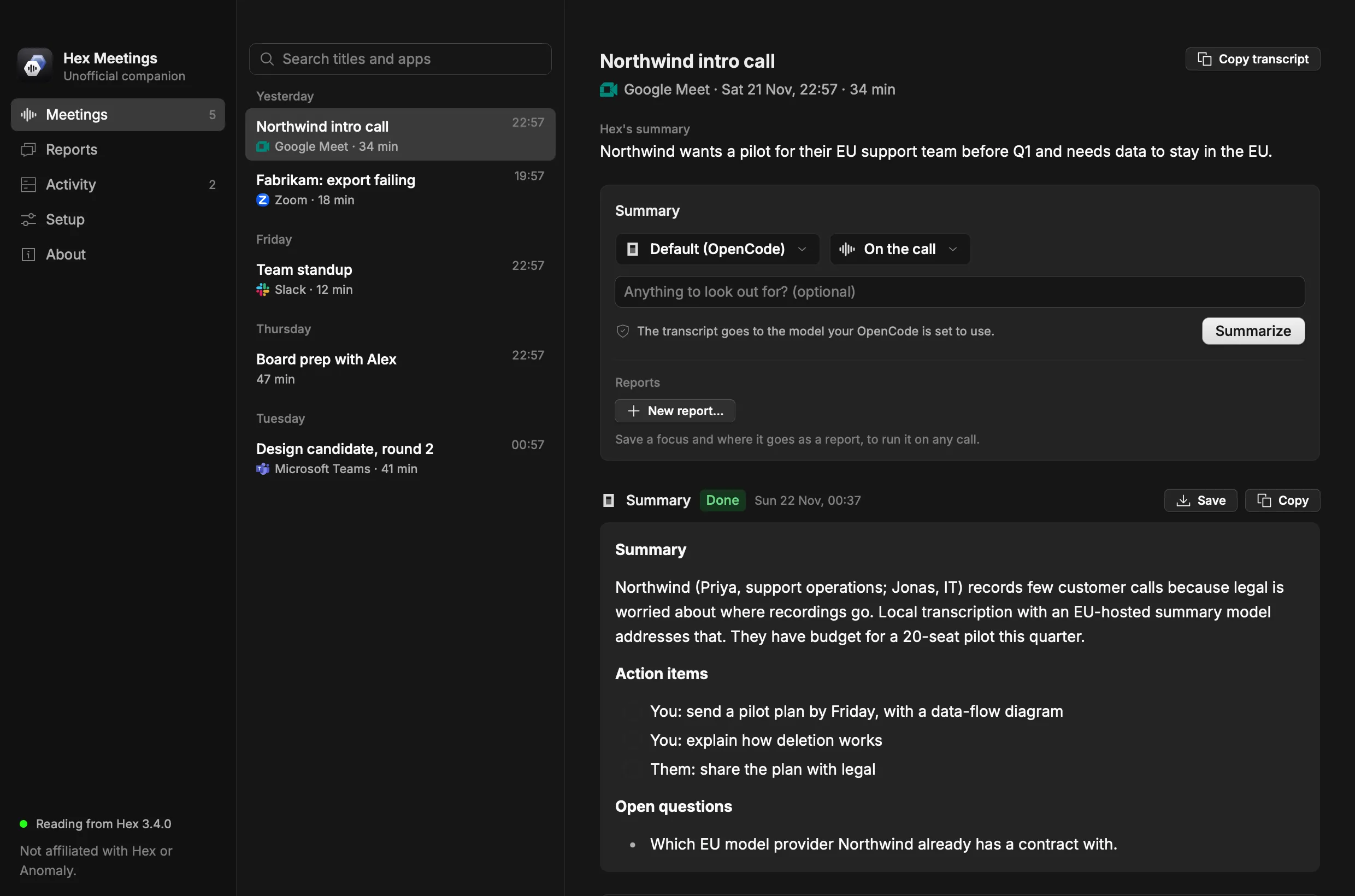
Recorded in Hex.
Open any call Hex has recorded. Hex Meetings reads its transcript and Hex's notes through Hex's public CLI.
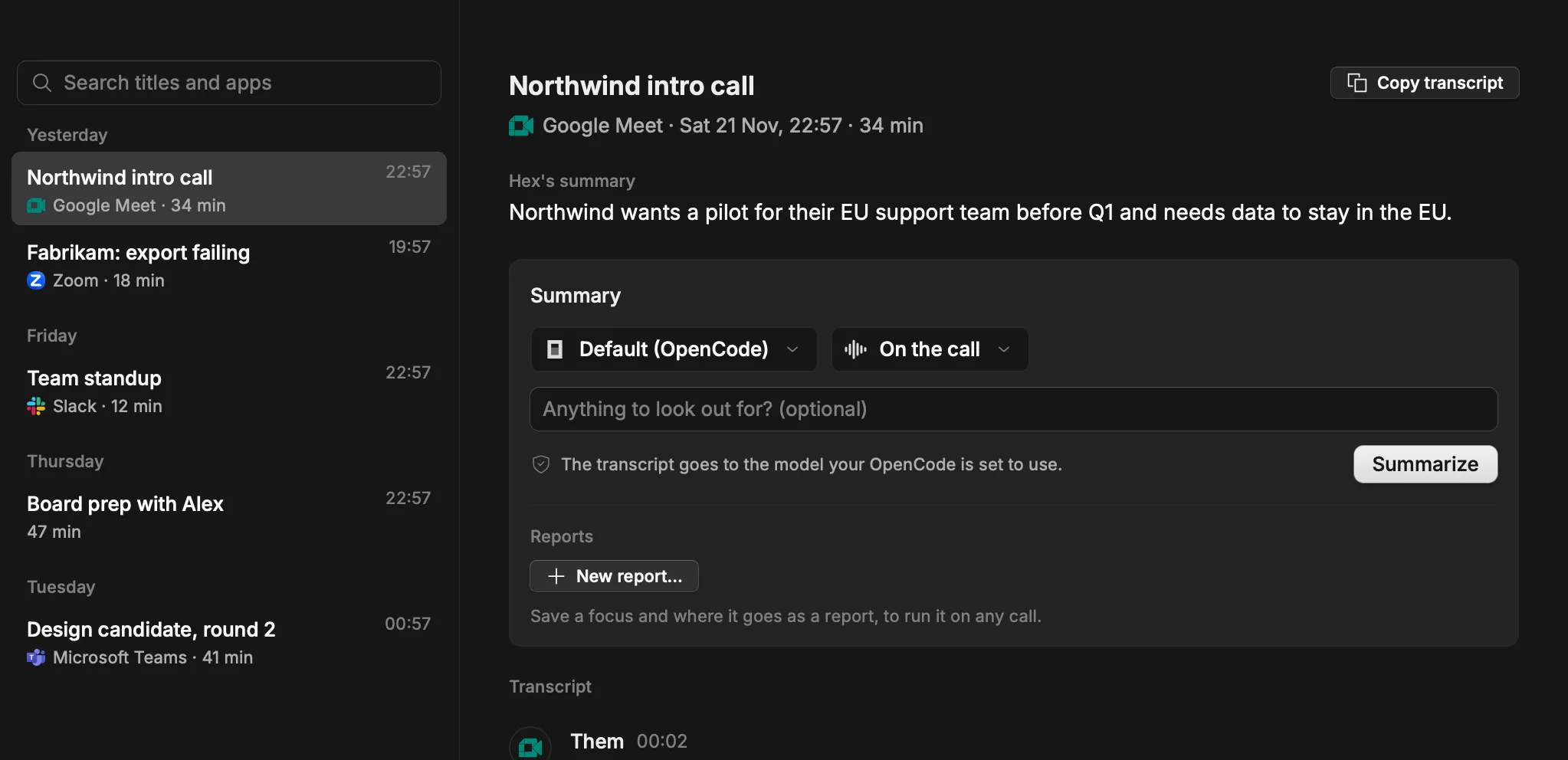
Use the agent you already use.
Pick one for each report. Before it runs, the app shows where your transcript goes.
 OpenCode
 Claude Code
 Codex
 Cursor Agent
 Pi
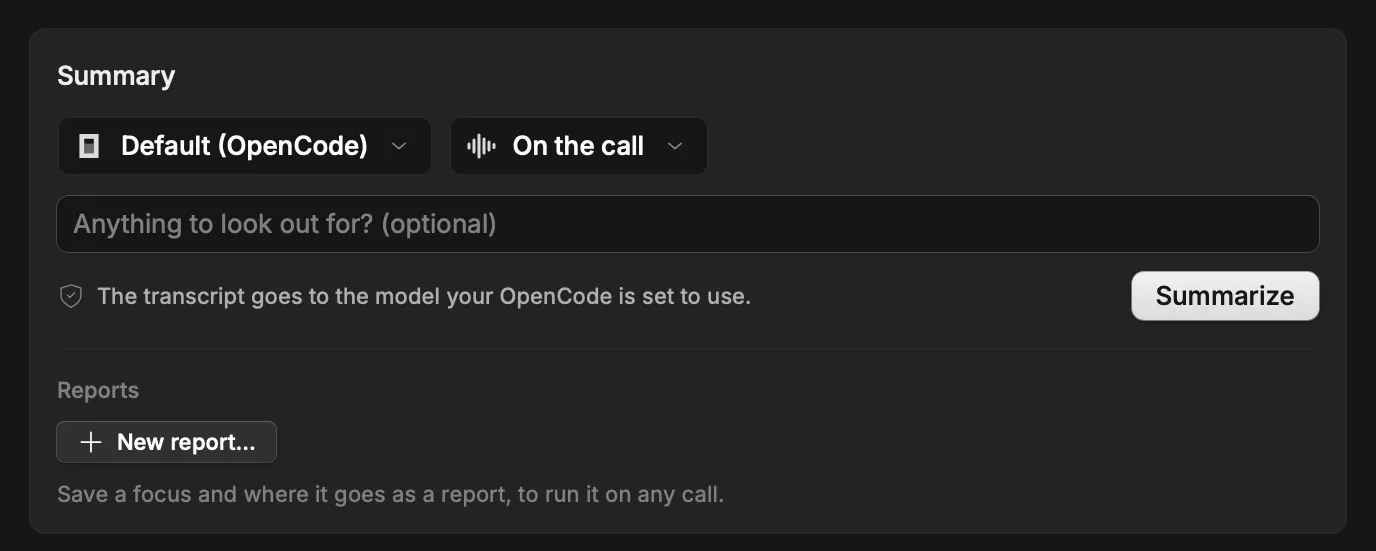
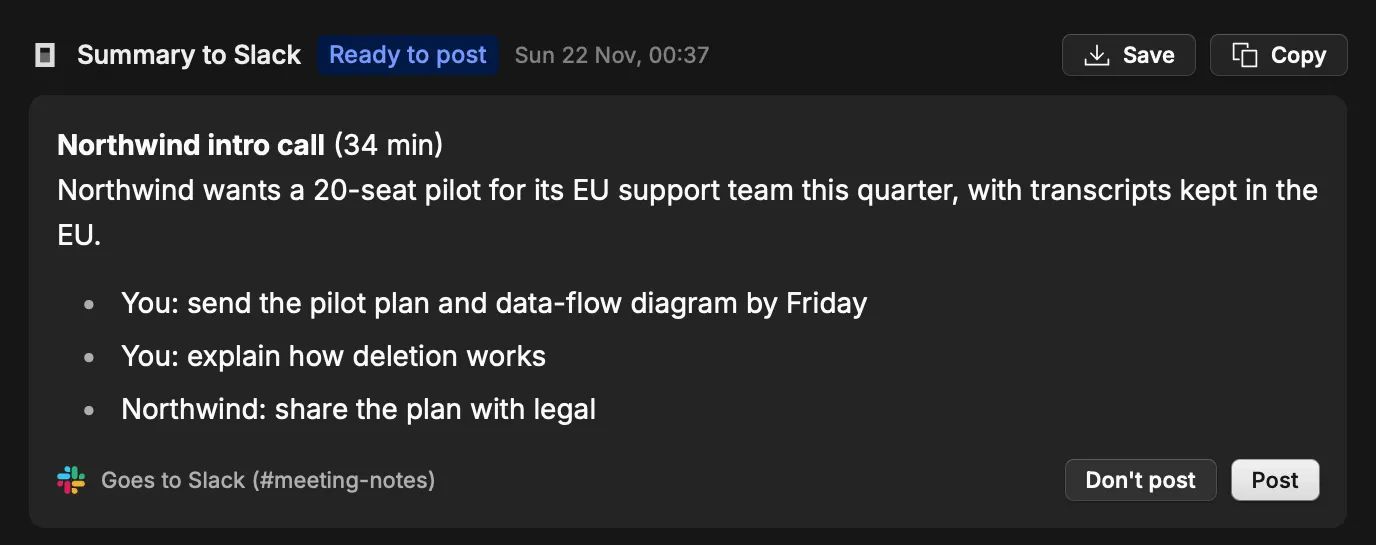
Summaries, action items, or your own report.
Start with Summary, or write your own instructions for sales follow-ups, customer feedback or bug reports, and choose where the result goes.
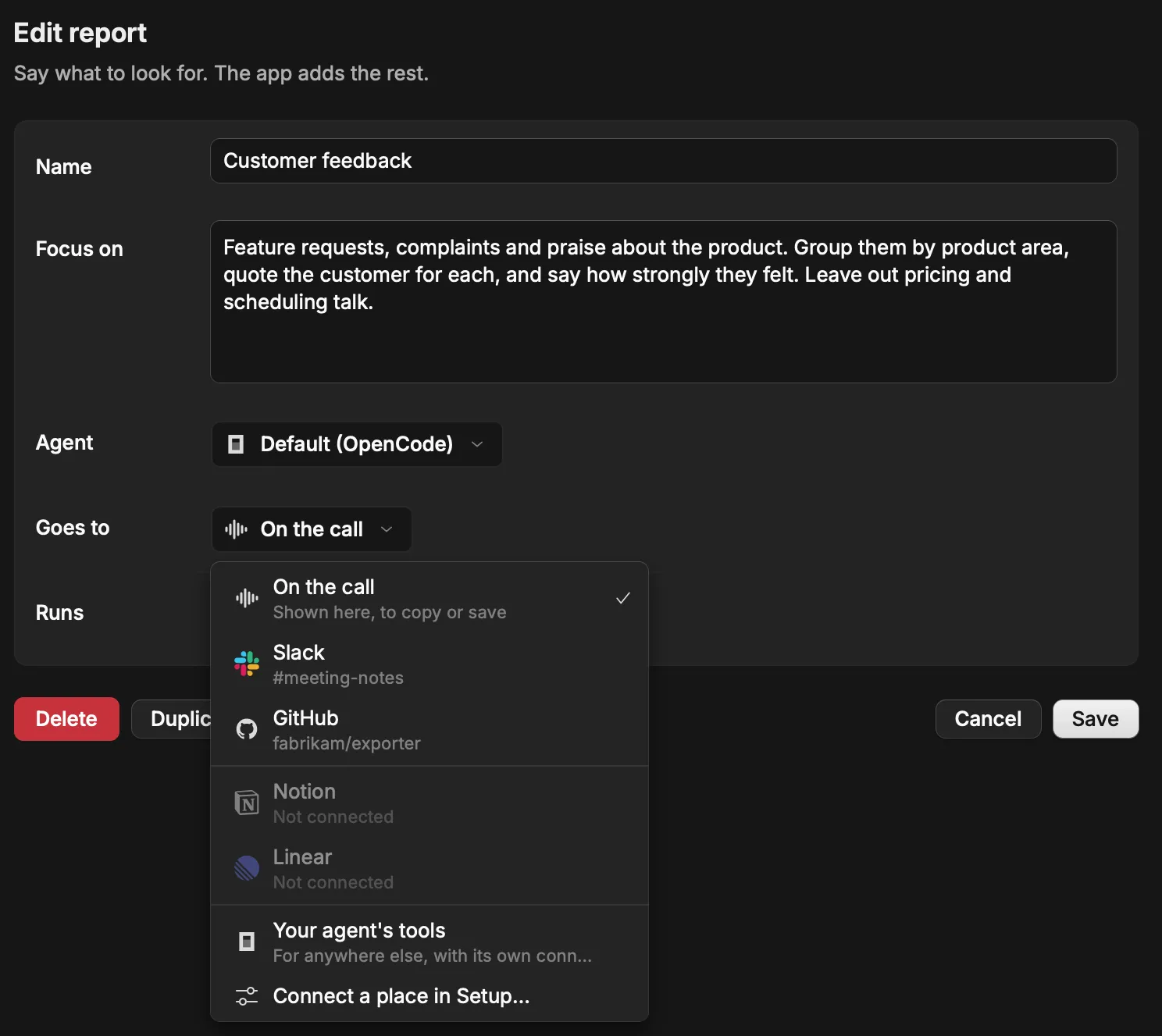
Preview before you post.
Copy the result, save it as Markdown, or read the post before it goes out.
 Slack
 Notion
 GitHub
 Linear

Get Hex Meetings
Download for macOSmacOS only. Apple silicon, macOS 15 or later, and Hex 3.4 or later.
Or install it from Terminal:
curl -fsSL https://raw.githubusercontent.com/OpeOginni/hex-meetings/main/scripts/install.sh | shThe app isn't notarized by Apple yet. The first time you open the download, go to System Settings, Privacy & Security, and click Open Anyway. The Terminal install skips this.